How to Cancel a Subscription on Cash App
Find and stop recurring payments and subscriptions charged through Cash App or your Cash App Card plus how to block a charge that won't stop.
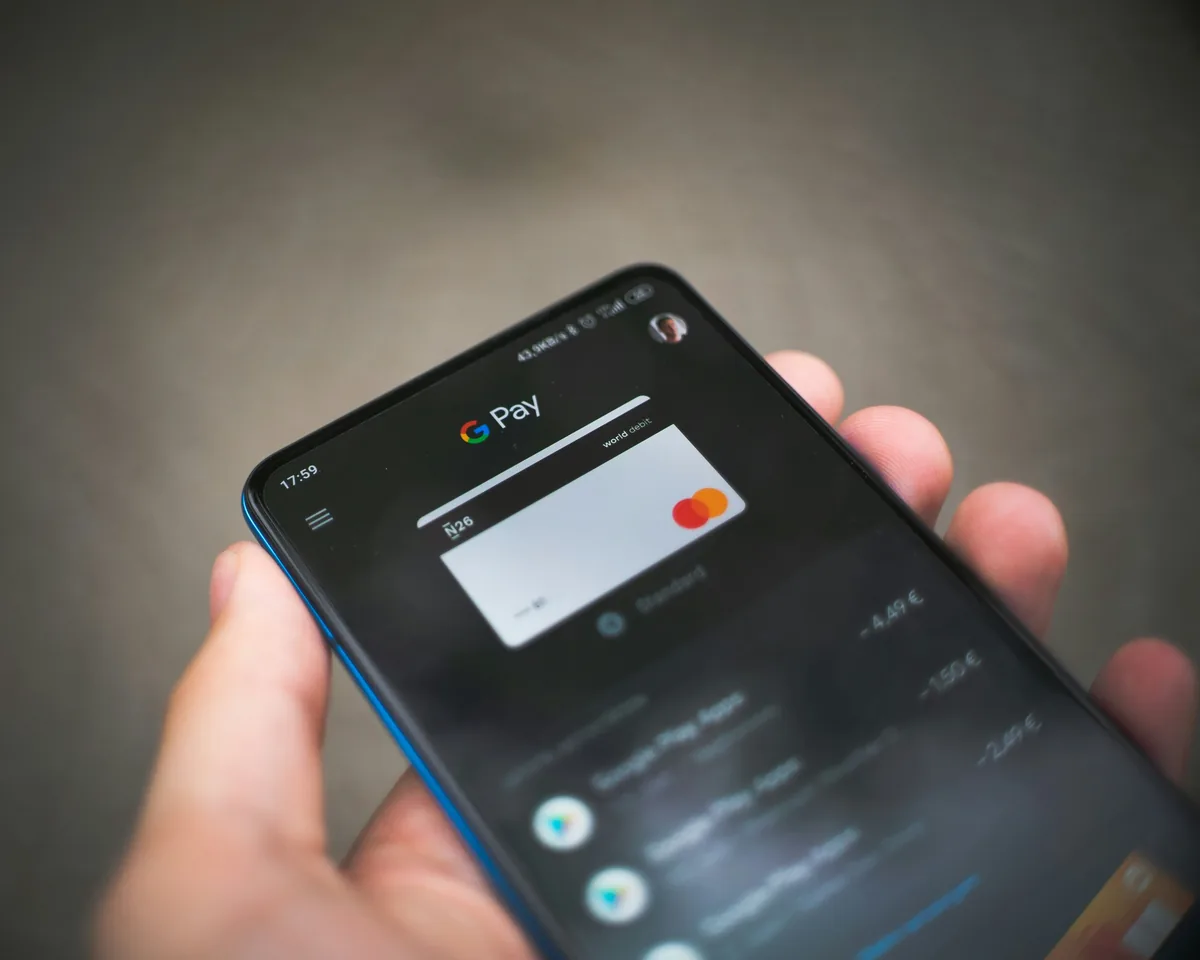
Cash App does not have a single "subscriptions" screen, so a recurring charge has to be cancelled with the merchant that bills you. Cash App can still help you find the charge and block it if it keeps coming back. Here is the reliable way to do both.
Step 1 — Find the Recurring Charge (iOS & Android)

Before you can stop a subscription you need to know exactly who is billing you and how much.
Step 2 — Cancel With the Merchant

Because the subscription is an agreement between you and the company (not Cash App), the only way to truly cancel it is on the merchant's side.
Stop paying for subscriptions you don’t use.
ReSubs reminds you before every renewal so no charge is a surprise. Free for iOS & Android.


Step 3 — Block a Charge That Won't Stop

If a merchant keeps charging your Cash App Card after you cancelled, you can cut off the payment method itself.
FAQ
Related Guides
Subscriptions hide across every payment method. See How to Stop Recurring Payments for the full overview, or jump to How to Cancel a Subscription on PayPal and How to Cancel a Subscription on Venmo. To stay ahead of renewals, a dedicated subscription tracker catches them before they bill.
Disclaimer
These steps are for informational purposes only and were accurate as of the last update. Cash App (Block, Inc.) may change its interface or process at any time. ReSubs is not affiliated with, endorsed by, or connected to Block, Inc. or Cash App. For the most current instructions, visit Cash App Support. For billing disputes, contact Cash App support directly through the app.