Control your subscriptions
See what you pay for, know what’s coming, and stop paying for what you don’t use.


Free on iOS & Android
How ReSubs keeps every subscription in check
Add them in seconds, hear before every payment and see where your money goes.
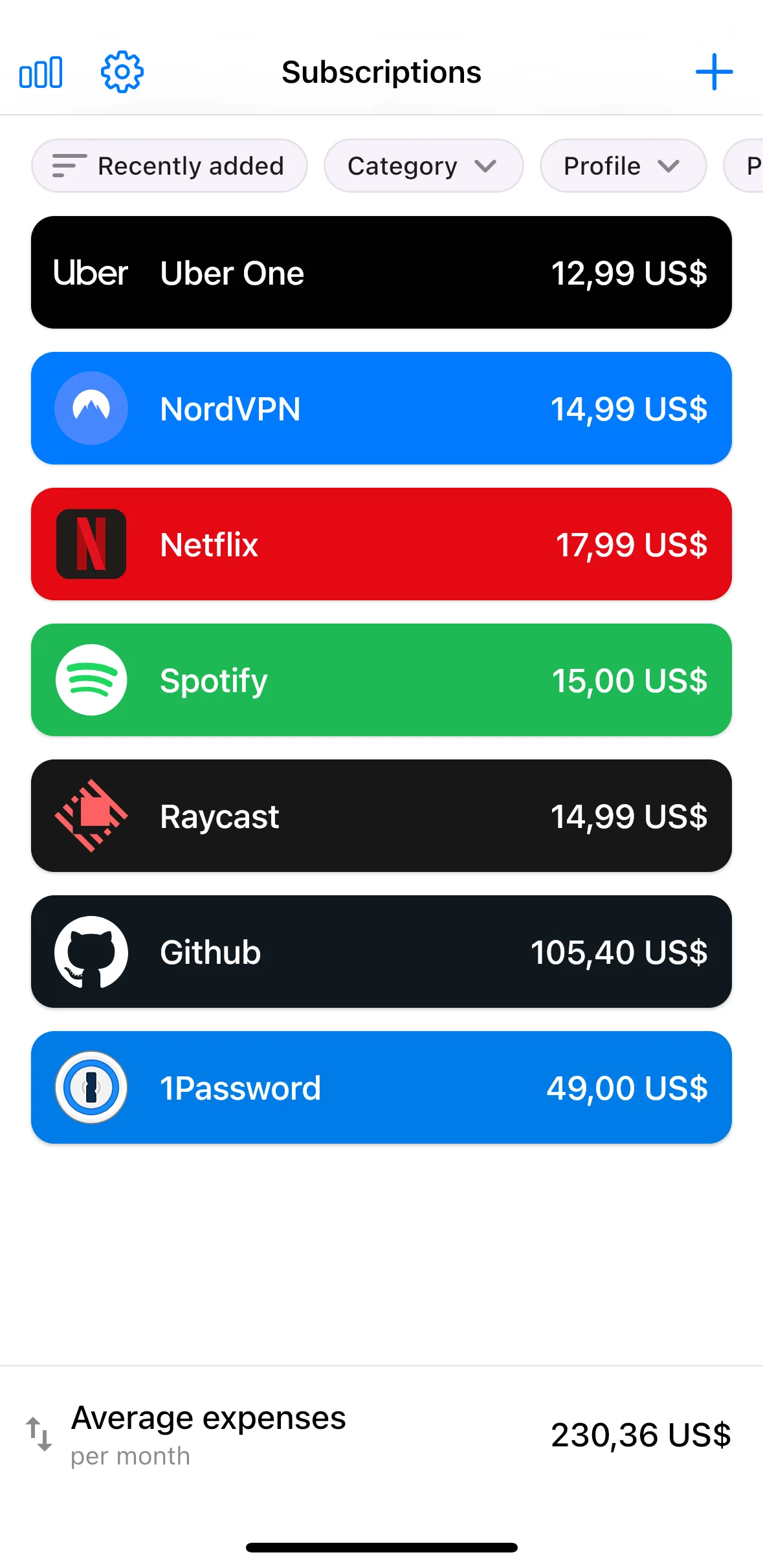
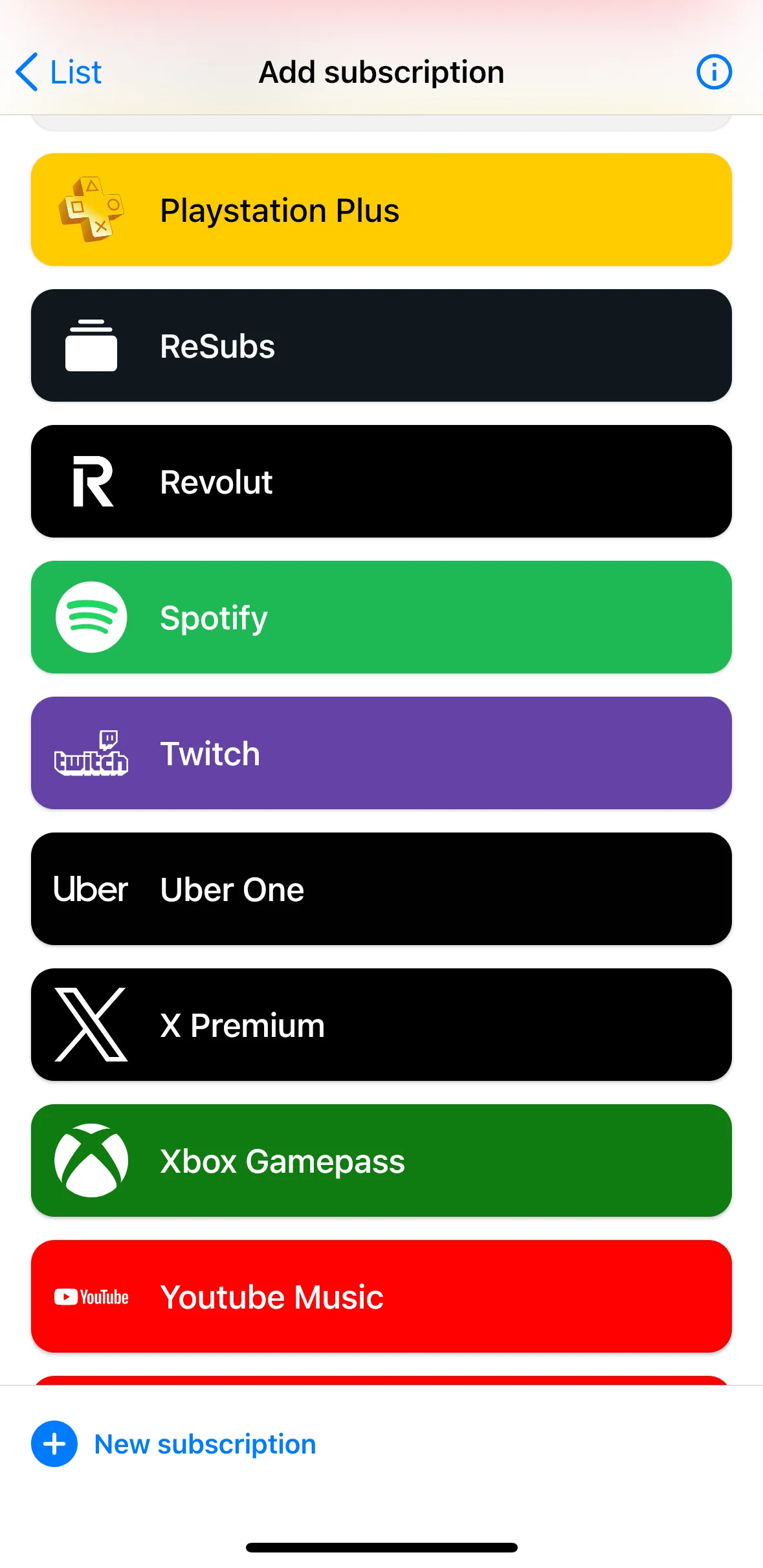
All your subscriptions, together
Every subscription, price and renewal date in one clear list.
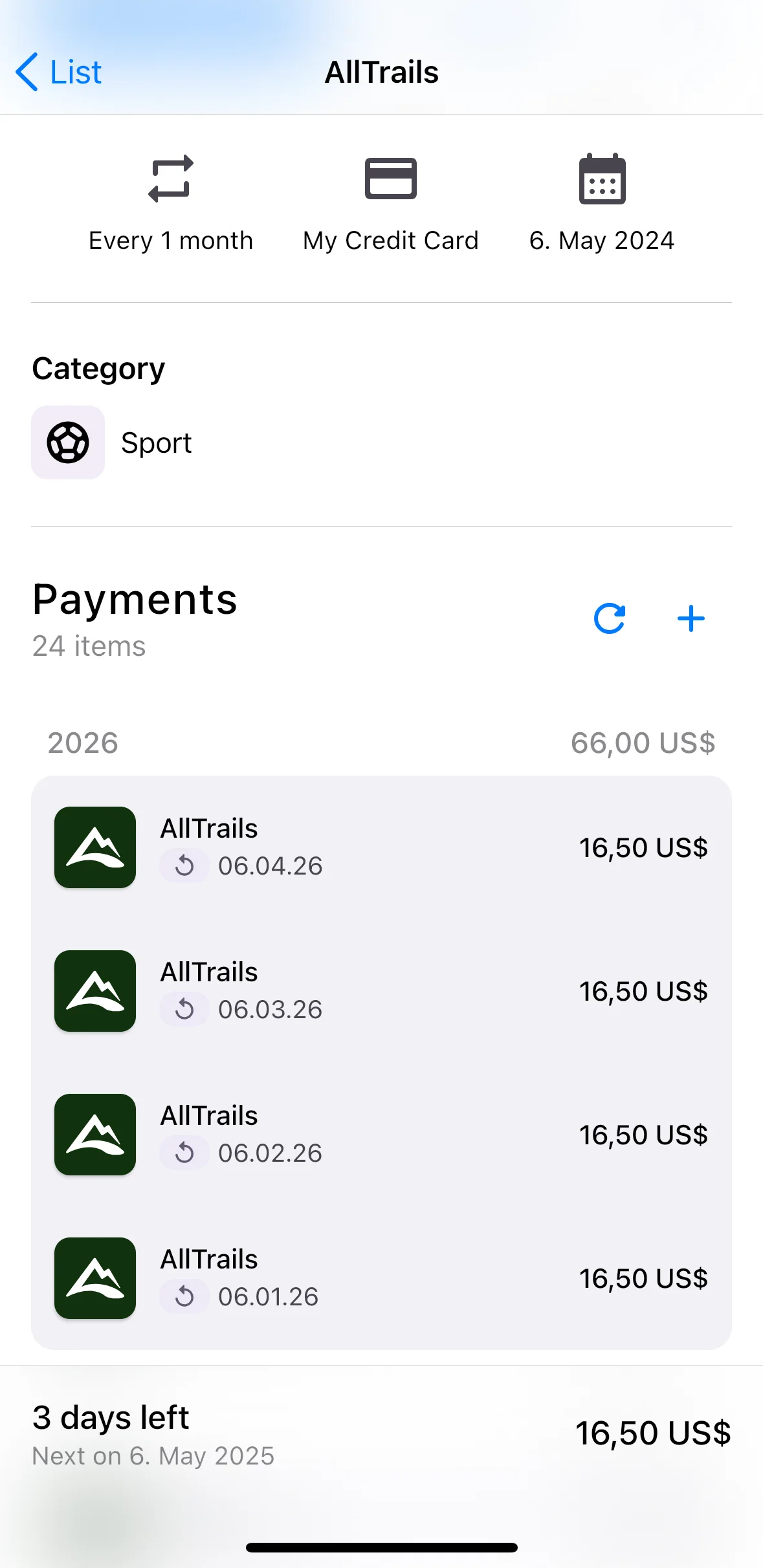
Know before you’re charged
Reminders before subscriptions renew and free trials end.
Import from Gmail
ReSubs finds receipts and renewals in your inbox. You pick what to add.
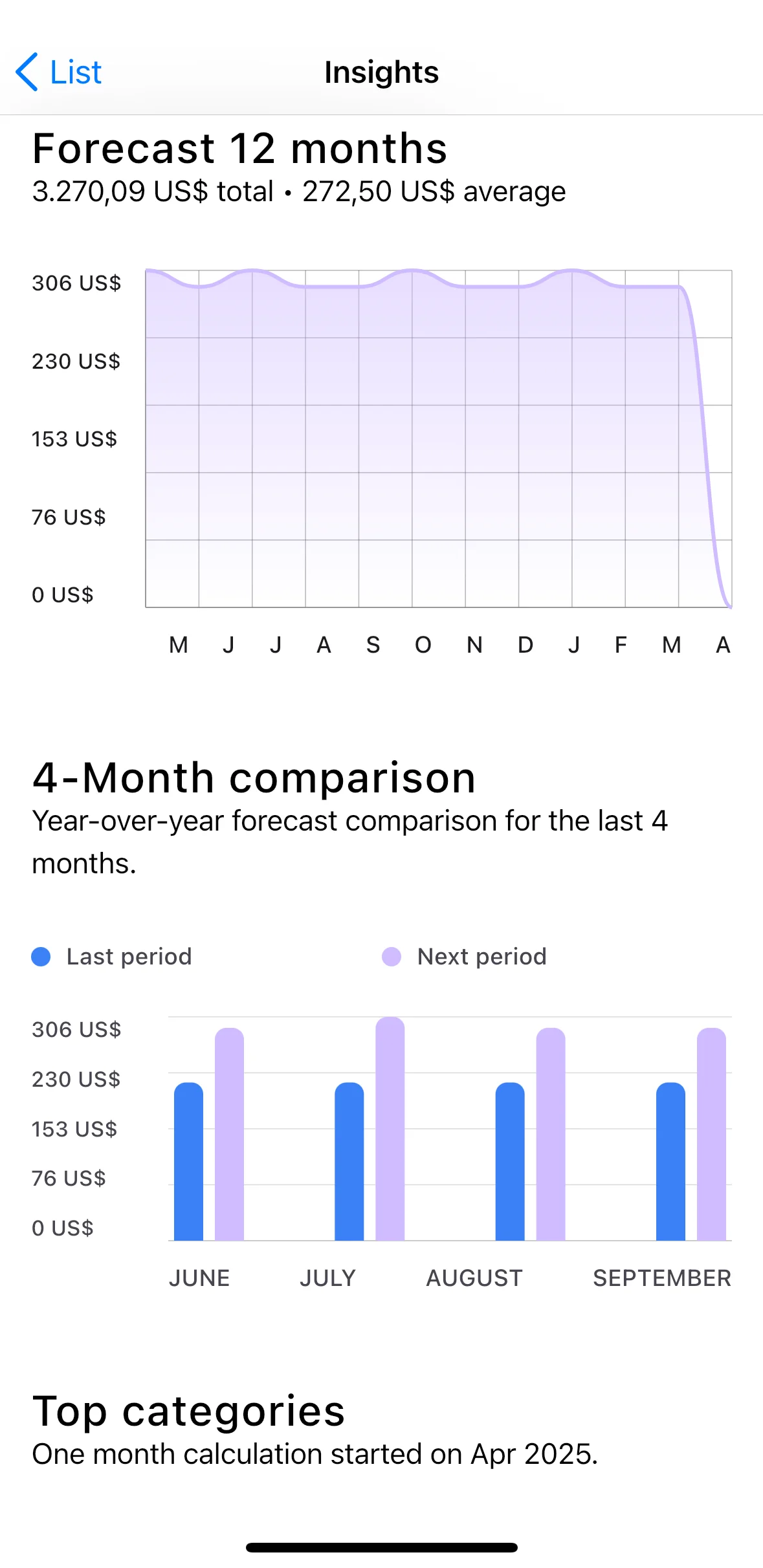
See where your money goes
Monthly totals by category and payment method.
How it works
Find it
From Gmail, screenshots or PDFs.
Get reminded
Before every payment.
Cancel it
Clear steps for every service.
And everything else
Savings Assistant
Cheaper plans and offers
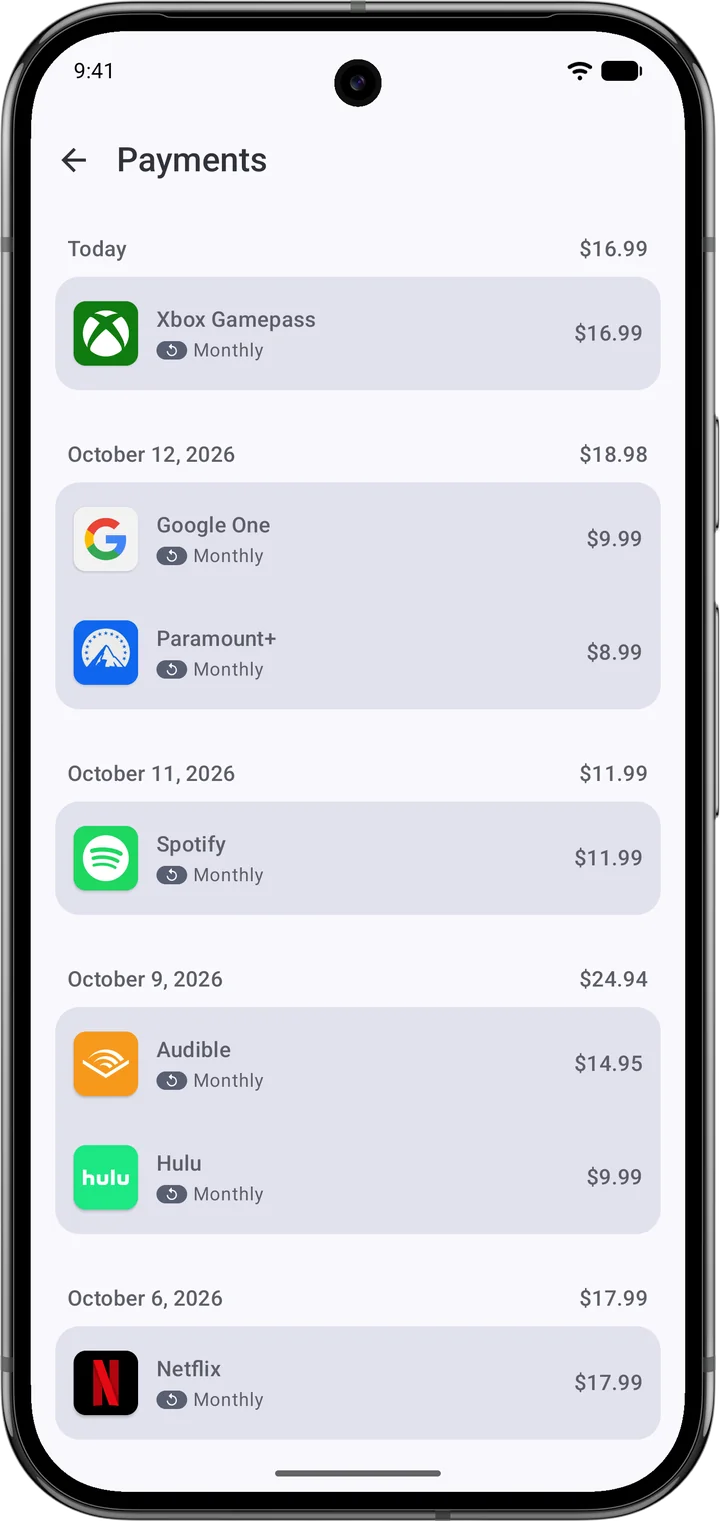
Payment calendar
Every due date in a month view
Free trial alerts
Before a trial turns paid
Price history
Spot every price increase
Photo & PDF import
Snap a bill, get the subscription
Any currency
Converted to the one you use
iOS + Android sync
One list on every device
Widgets
Next payments on your home screen
What Our Users Say




Start saving on subscriptions today
Free to download. Available on iOS and Android.